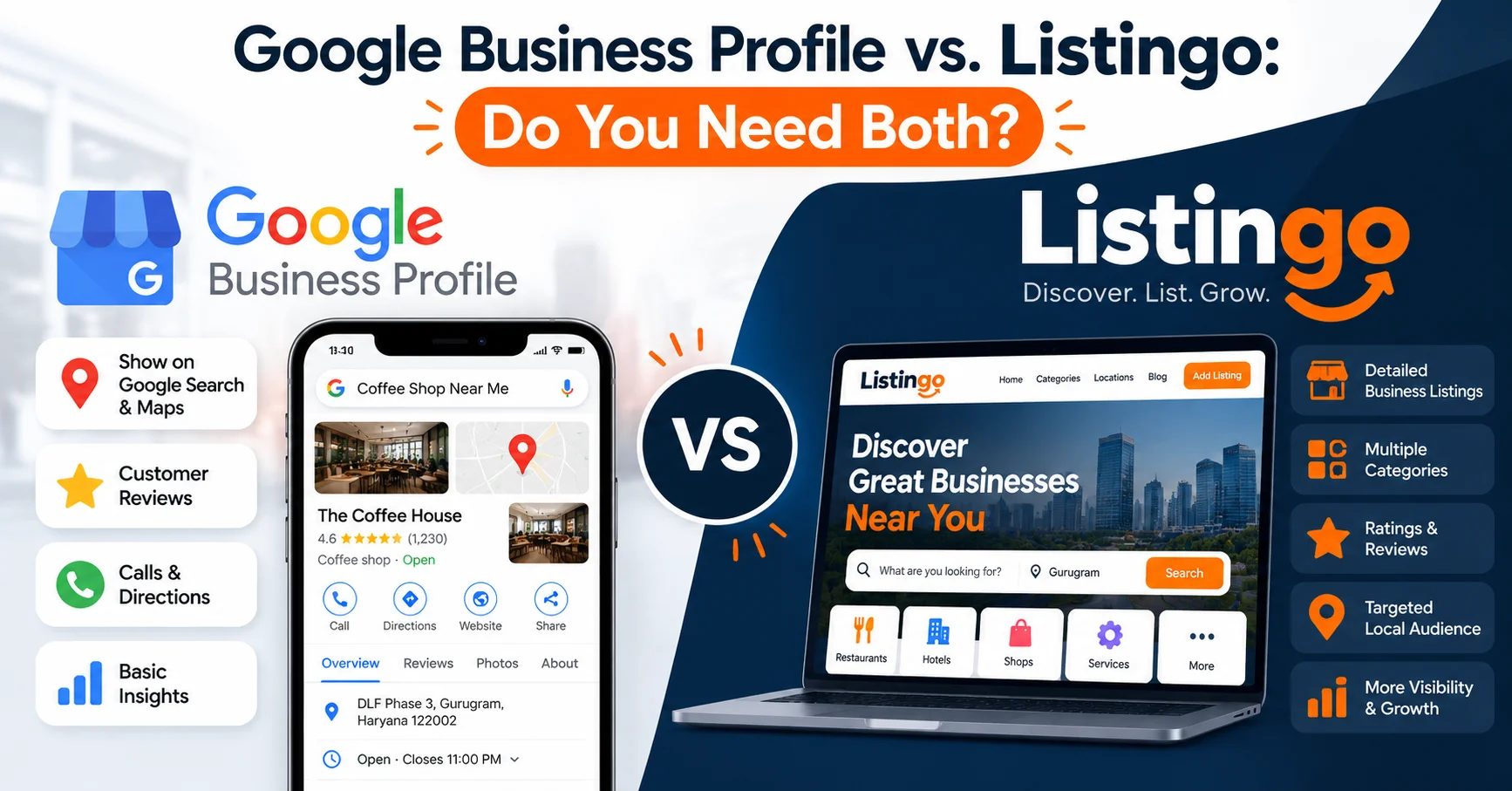
Google Business Profile vs Listingo: Do You Need Both?
If you run a local business in India, someone has probably told you to "get on Google". Then you hear about Listingo and wonder: do I need another listing?
Short answer: they do different jobs, and the businesses that get found most often are usually on both. Here's how to think about it.
What Google Business Profile does well
Google Business Profile (GBP) is the free listing that shows up when someone searches on Google Search or Maps. Its strength is reach: when a customer types "dentist near me" or "tailor in Sector 14", GBP is often what they see first.
It's the right place for:
Map visibility. Your pin, directions and a tap-to-call button.
Basic details. Hours, phone number, address, photos, and your website link.
Reviews on Google. These show up right beside your name in search results.
What it doesn't do is help customers compare you. Your profile sits among many others, with little context about who is actually running the business.
What Listingo does well
Listingo is a business discovery platform for people who are already looking for a trusted local business, browsing by category and city rather than typing a search into Google.
It's the right place for:
- Category and city discovery. Customers browse by what they need (restaurants, healthcare, home services, legal services, and so on) and where they need it.
- Trust signals. A quick document check earns a Verified badge, so customers can tell at a glance which listings are run by the real owner.
- A fuller profile in one place. Photos, opening hours, a menu or services, and your replies to reviews. See how one neighbourhood café used a complete profile.
Side by side
| Google Business Profile | Listingo | |
|---|---|---|
| Customers find you by | Searching on Google Search or Maps | Browsing categories and cities, or searching on Listingo |
| Best for | Being seen when someone searches your name or "near me" | Being compared and trusted by people actively choosing |
| Trust signal | Google reviews | Verified badge plus reviews |
| Setup time | About 30 minutes, plus Google's verification step | About 15 minutes |
| Cost | Free | See pricing |
Where they overlap (and why that's good)
Both let customers see your hours, photos and reviews. That overlap works in your favour: when a customer checks you on Google and again on Listingo, consistent details build confidence. A different phone number or opening time on each is the fastest way to lose that trust.
Reviews also add up. A customer who finds you on Listingo may still Google your name before visiting, and strong reviews in both places confirm the same story. If you need a push, here are 7 ways to get more customer reviews.
A simple setup plan: one afternoon, both platforms
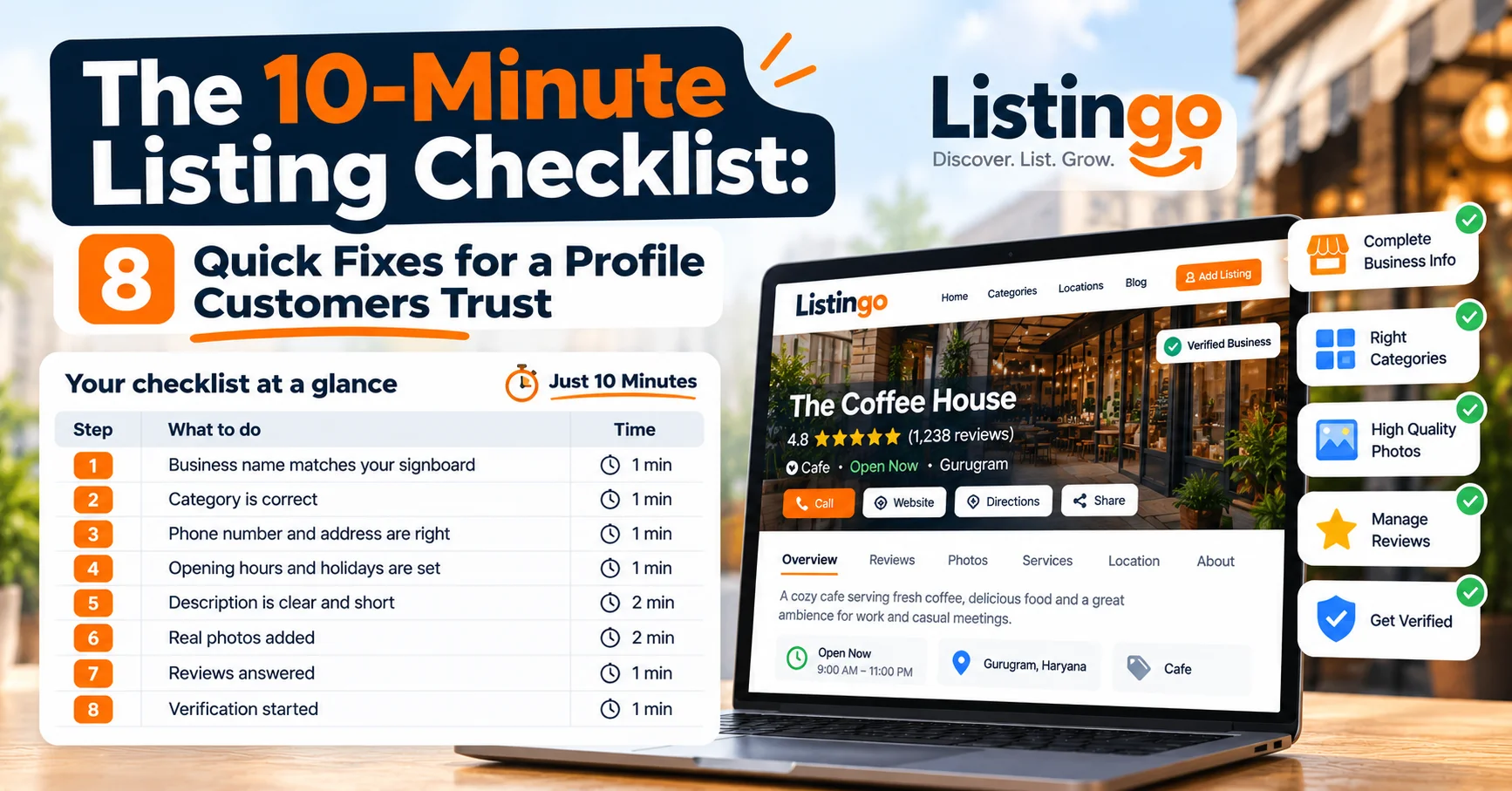
- Pick one master set of details. Business name exactly as it appears on your signboard, address, phone number, hours and website. Write it down once and copy it everywhere.
- Claim or create your Google Business Profile. Choose the most specific category for what you do, and complete Google's verification.
- Claim or add your Listingo listing. Claim your listing if it already exists, or list your business if not.
- Get your Verified badge. Complete the document check so customers know you're the real owner.
- Add real photos to both. Your storefront, your products or work, and your team. Skip stock images.
- Ask your next happy customer to review you on both. Send each link on WhatsApp right after a good experience.
- Check back monthly. Update hours before festivals and holidays, and reply to every review on both platforms.
So, which should you pick?
If you only have time for one today, start with Google, because that's where most people begin their search. But don't stop there: Listingo puts you in front of customers who are already comparing businesses in your category and city, and the Verified badge gives them a reason to choose you.
Treat them as two doors to the same shop.
Ready to get started? Claim your free listing on Listingo and get your Verified badge today.