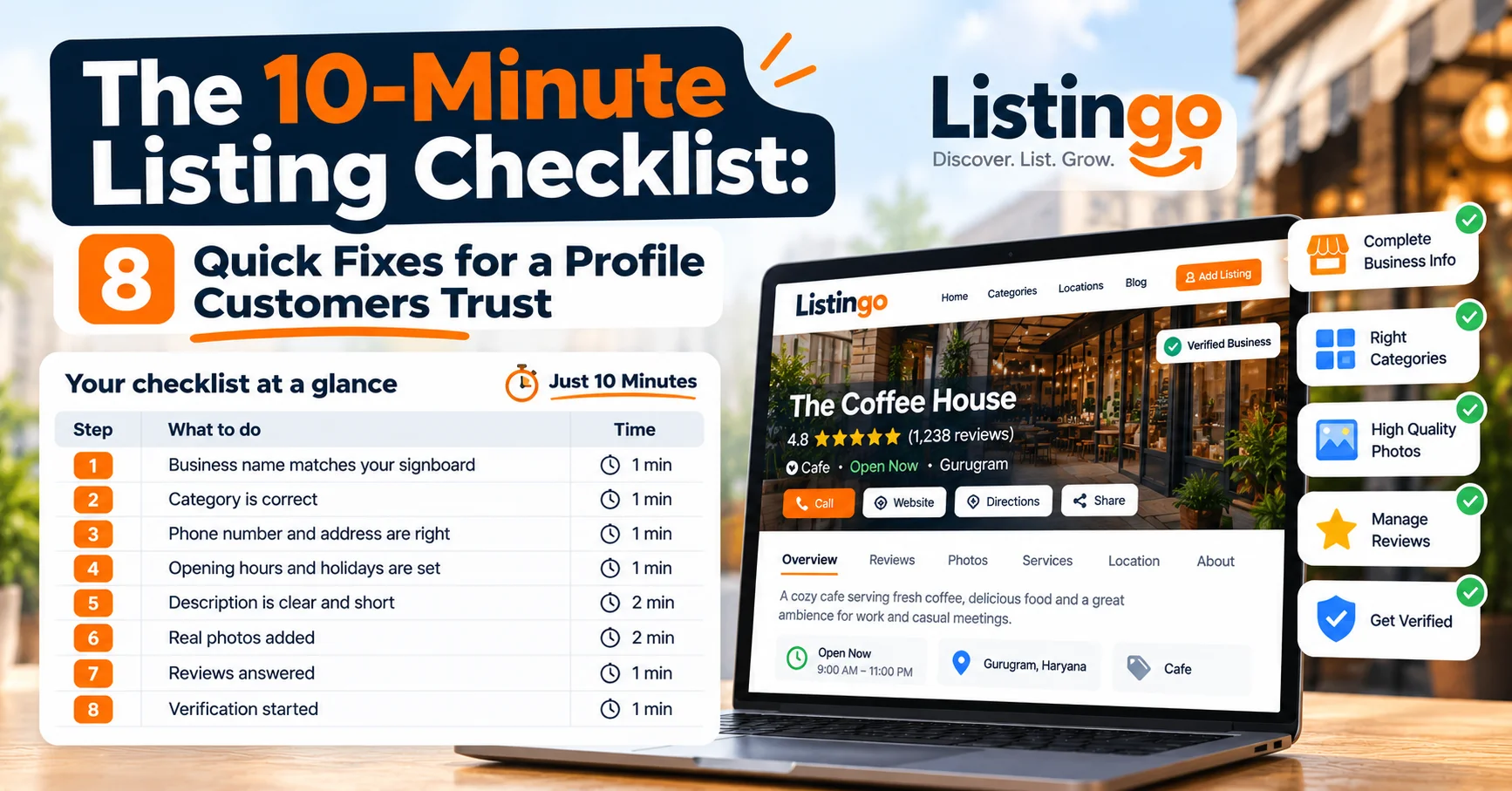
The 10-Minute Listing Checklist: 8 Quick Fixes for a Profile Customers Trust
When a customer lands on your listing, they decide within seconds whether you look real, current and worth a call. A half-filled profile loses that moment.
The good news is that most fixes take a minute or two each. Open your listing in another tab and work through this checklist. It should take about ten minutes.
1. Check your business name (1 min)
Use the name exactly as it appears on your signboard, bill book and packaging. Skip keyword stuffing like “Sharma Salon - Best Salon in Delhi - Bridal Makeup”. It reads as spam and makes you harder to trust.
2. Confirm your category (1 min)
Customers browse Listingo by category and city, so being in the wrong one means the right people never see you. Pick the category that best describes your main service, not everything you could do.
3. Verify your phone number and address (1 min)
Call your own number from another phone. Check the address against a recent bill, and add a landmark if you’re hard to find (“opposite the metro station, first floor”). A wrong detail costs you a customer who had already decided to visit.
4. Set your opening hours, including holidays (1 min)
This is the most common mistake on local listings. If your shop closes on Sundays or after lunch, say so. Update your hours before festivals and long weekends too, so nobody turns up to a closed shutter.
5. Write a clear description (2 min)
Two or three plain sentences is enough. Cover:
- What you do: “Family dental clinic offering check-ups, braces and root canals.”
- Who you serve and where: “Serving Sector 14 and nearby neighbourhoods.”
- What makes you different: “Open until 9 pm. Appointments and walk-ins welcome.”
Write the way you’d explain your business to a new customer, not like an advertisement.
6. Add real photos (2 min)
Listings with photos look more established than listings without. Add:
- Your storefront or signboard, so people recognise you when they arrive
- The inside of your space
- Your products, work or menu
- Your team, if you’re comfortable with it
Use your phone camera in daylight. Real photos beat stock images, and they match what customers will actually see. For the cafe example, see how a neighbourhood café used a complete profile to get more bookings.
7. Reply to your reviews (1 min to start)
Respond to any review you haven’t answered. A short “Thank you, hope to see you again” on good reviews and a calm, specific reply to a bad one both show future customers that a real person is paying attention. Not sure how to ask for more? Here are 7 ways to get more customer reviews.
8. Get Verified (start the check)
A quick document check earns a Verified badge, so customers can tell at a glance that your listing is run by the real owner. Read how it works in Introducing Verified Badges, then start your check from your dashboard.
Your checklist at a glance
| Step | What to do | Time |
|---|---|---|
| 1 | Business name matches your signboard | 1 min |
| 2 | Category is correct | 1 min |
| 3 | Phone number and address are right | 1 min |
| 4 | Opening hours and holidays are set | 1 min |
| 5 | Description is clear and short | 2 min |
| 6 | Real photos added | 2 min |
| 7 | Reviews answered | 1 min |
| 8 | Verification started | 1 min |
Three mistakes to avoid
- Setting it and forgetting it. Hours, phone numbers and offers go out of date. Put a reminder in your phone for the first of every month.
- Different details everywhere. If your name, phone or hours differ between your listing, your website and your social pages, customers lose confidence. Pick one version and copy it.
- Ignoring the first photo. It’s what customers see before they click, so choose a clear, bright one.
Do it today
You don’t need to be technical or spend any money. Ten focused minutes can turn a thin listing into one that looks open, honest and ready for customers.
Not listed yet? Add your business to Listingo. Already listed? Claim your listing and work through the checklist above.